Beanbounce
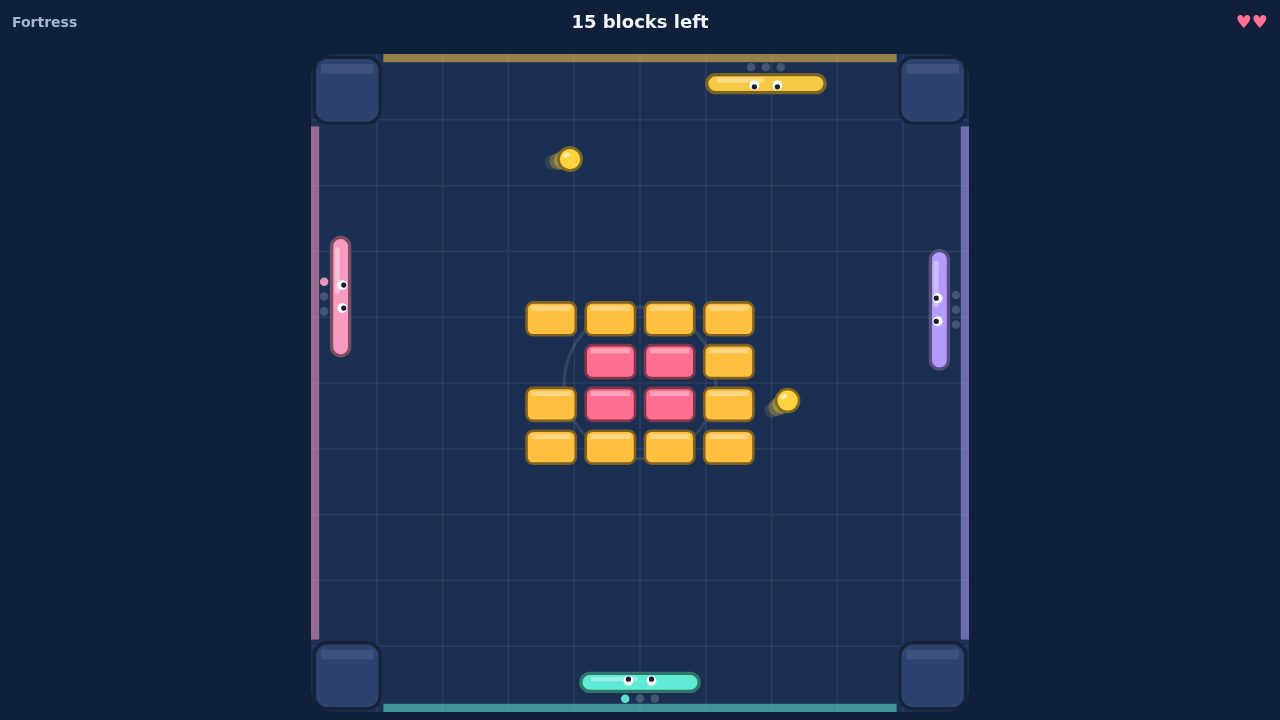
A paddle each, a wall each. Keep the balls alive, or knock each other out.
- 2-4 players
- ~2 min
- Laptop · Phone · Tablet
Games / Guide
Playing together shouldn't start with everyone installing the same app and making accounts. With Obean, one of you makes a room and sends a link. Everyone else taps it and plays, on a laptop or a phone.
Here's the whole of it, and the games you can start with.
A paddle each, a wall each. Keep the balls alive, or knock each other out.
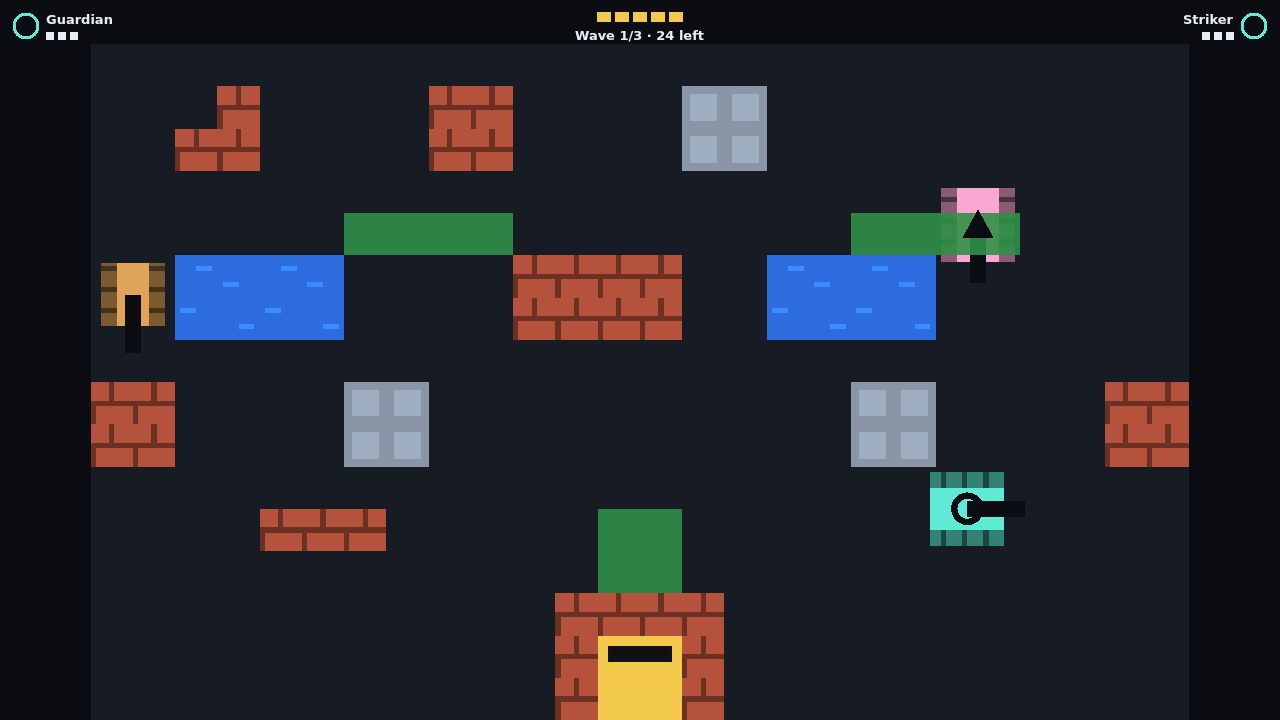
Two to four tanks, one base. Hold the line together.
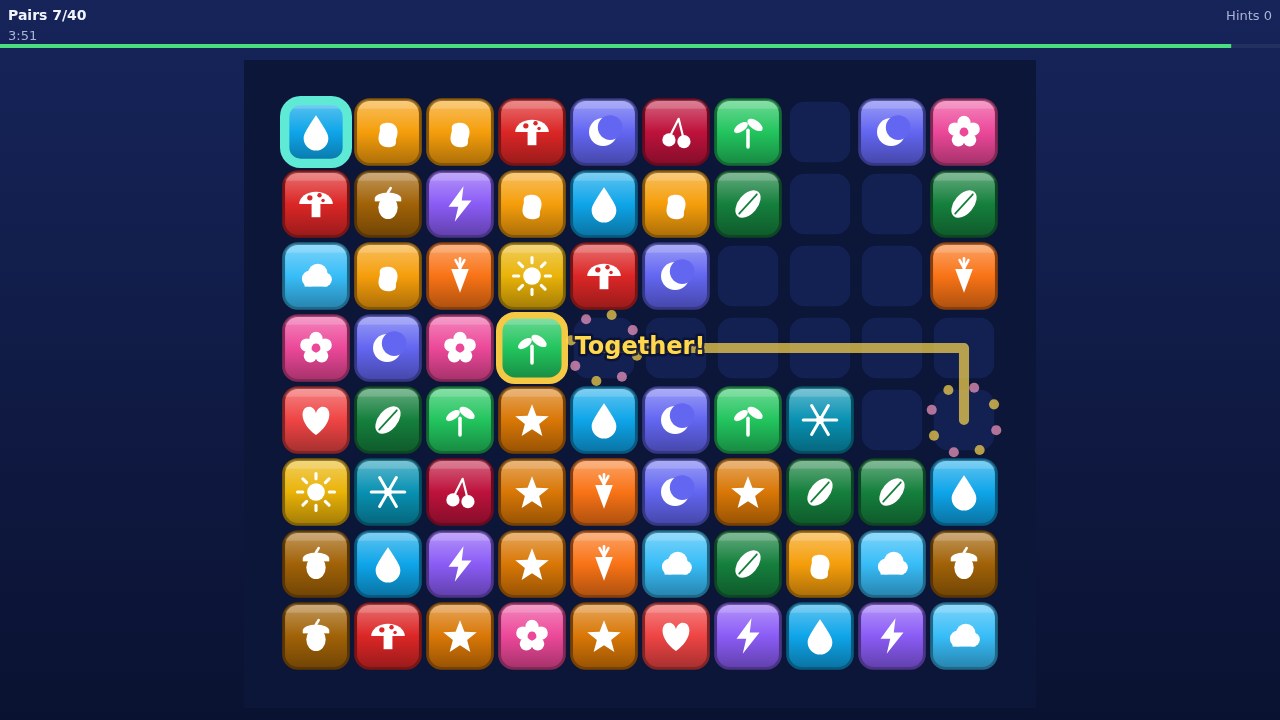
Spot two alike, link them, watch them pop. Alone, together or head to head.
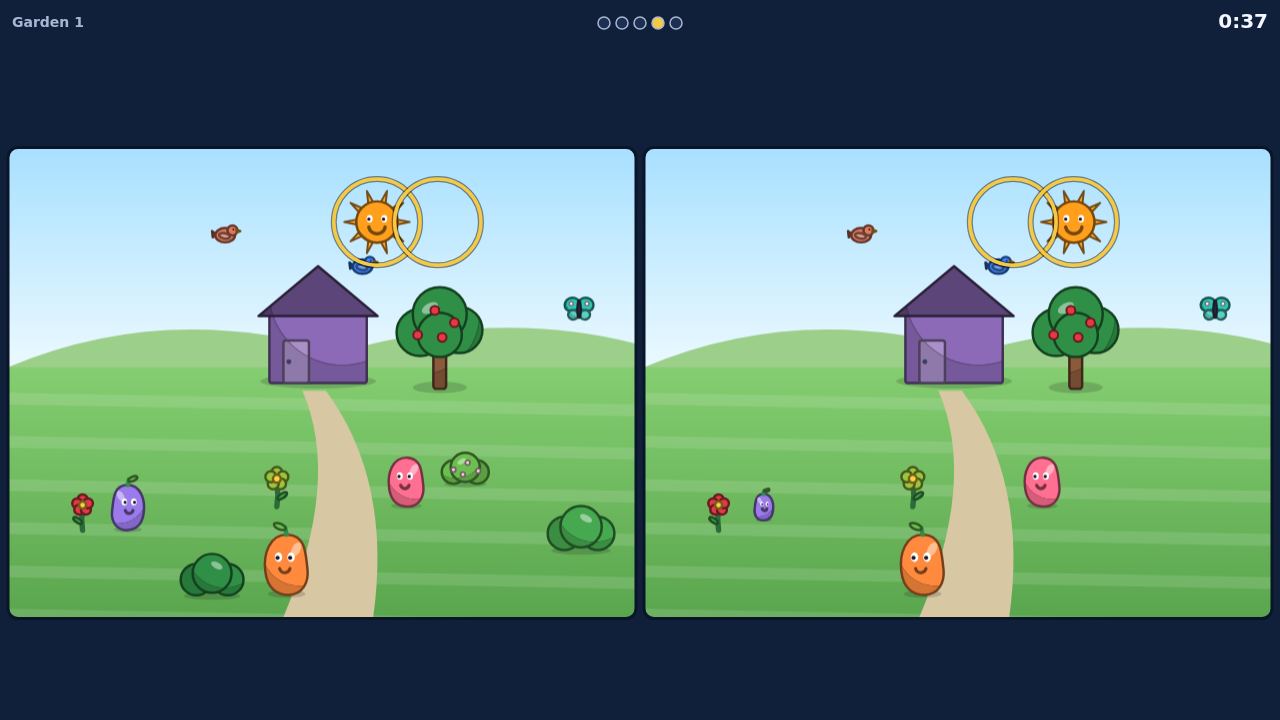
Two pictures, a handful of differences. Find them alone, together or first.
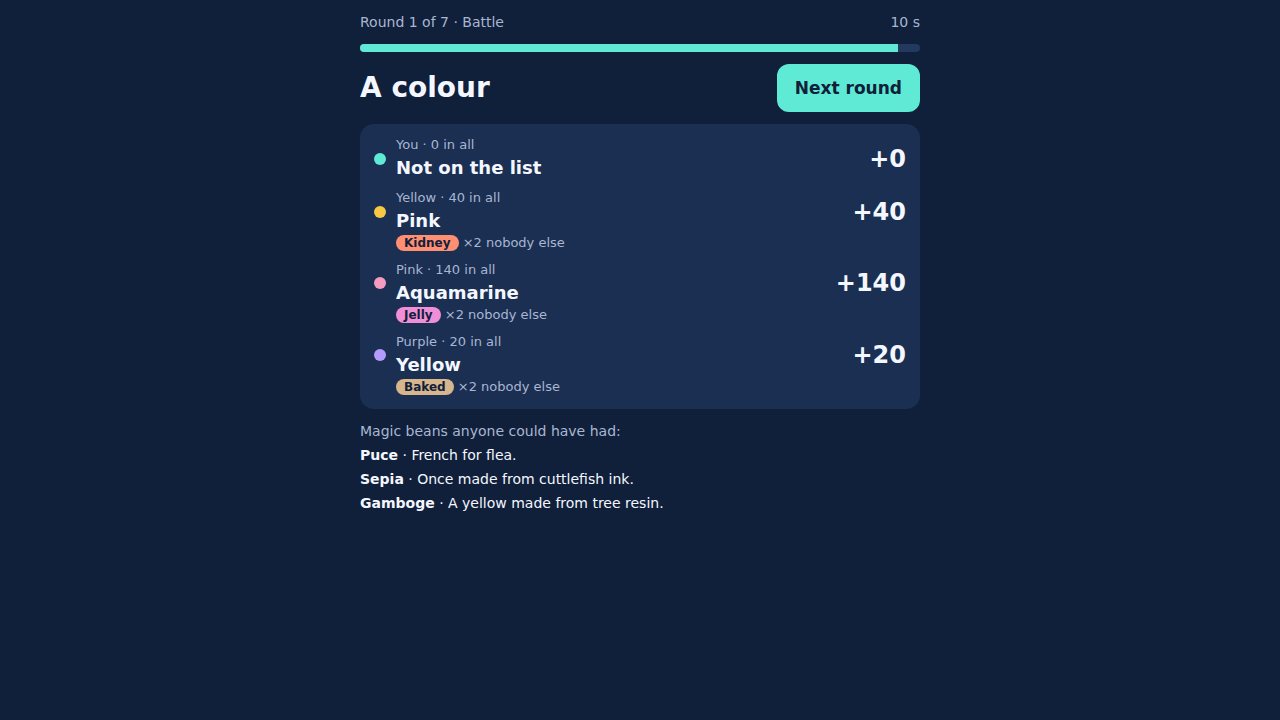
Name something. The rarer your right answer, the more it's worth.
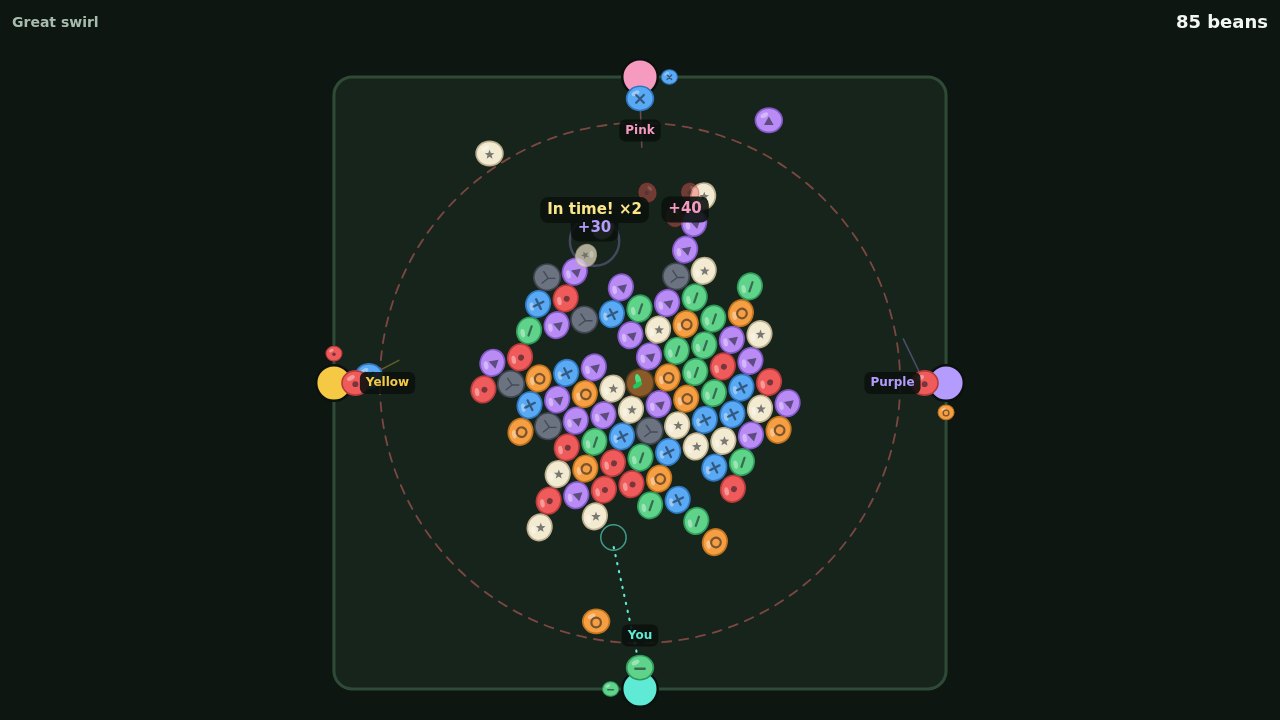
Aim, match three and pop, round a pod that turns with every hit.
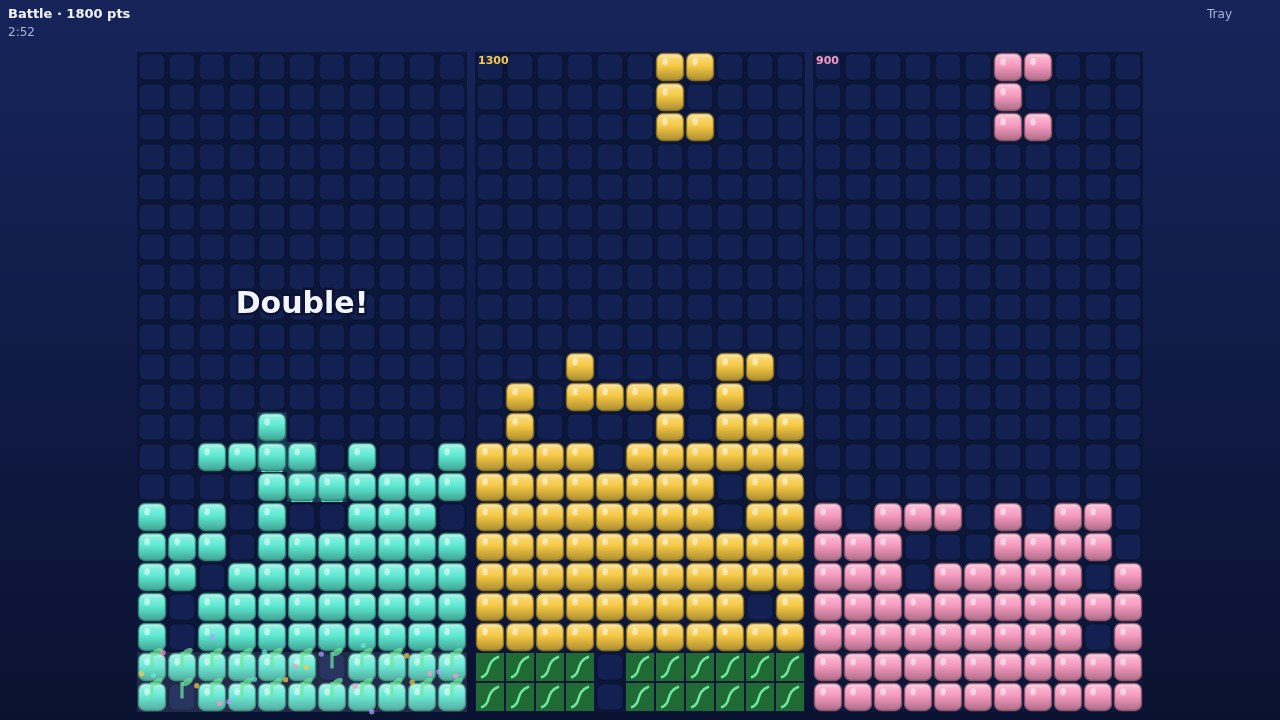
Drop the pods, fill a row, watch it sprout. Alone, together or head to head.
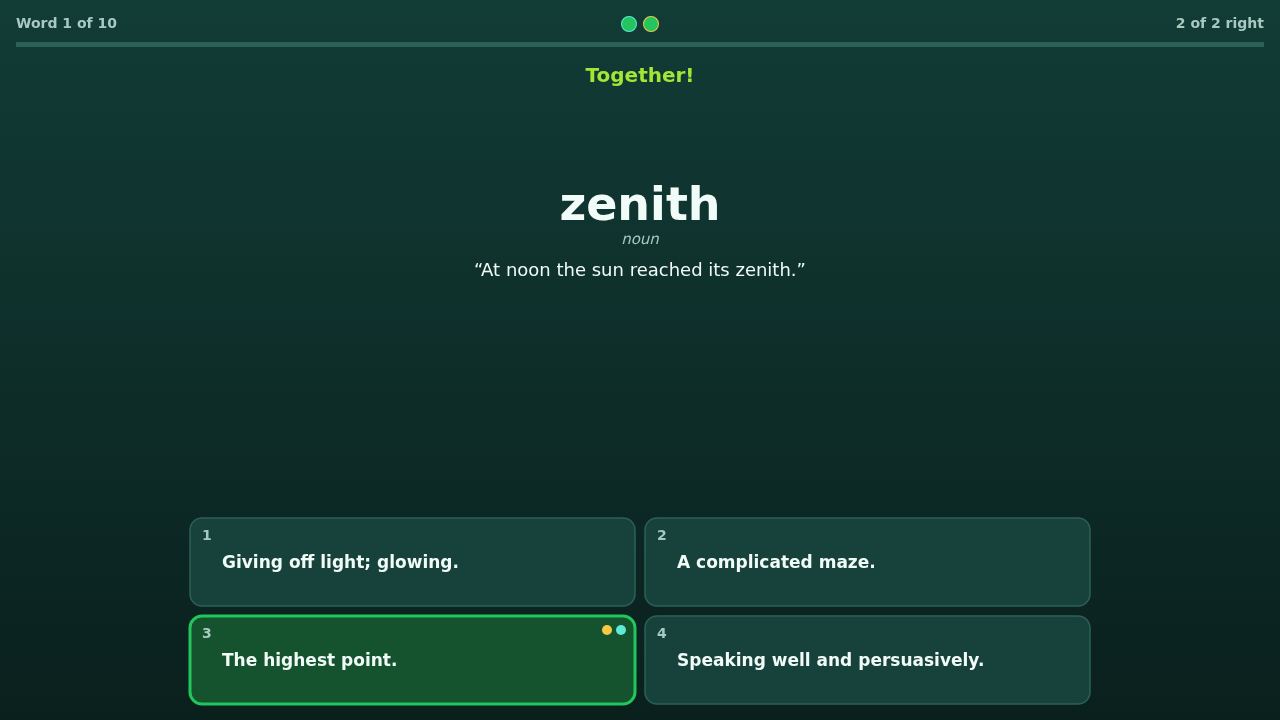
Guess what the word means, then see it used. Alone, together or head to head.
Pick a game and type a name. No download, and no account needed.
Paste it into any chat. Your friends tap it, type a name and they're in.
Laptops and phones play as equals. Talk over voice in the room, or in chat.
No. Any laptop or phone with a modern browser plays in the same room.
No. Type a name and play. Signing in is optional: it keeps your progress and friends on every device.
24 hours. After that, make a new one from the room.
Yes, over voice in the room, or in chat. Voice is never recorded.
More answers in the help centre.